🧑💻 The Invisible Time Sink
You know what kills productivity?
The space between tasks.
You copy something from one tab. Switch tabs. Paste it. Switch again. Format it. Switch once more. Upload it somewhere else.
Every switch breaks your concentration.
Now I just tell Claude's Chrome Extension to run a pre-set workflow. It handles everything while I grab coffee.
Imagine what you'd do with the extra time if you asked yourself which repetitive tasks are stealing your best thinking hours & let Claude handle it.
Last week Anthropic released a browser extension. I put it to the test and I'm VERY impressed.
I’ll walk through what it does well, where it still stumbles, and how you can put it to work this week.
🧑💻 Claude’s New Chrome Sidekick
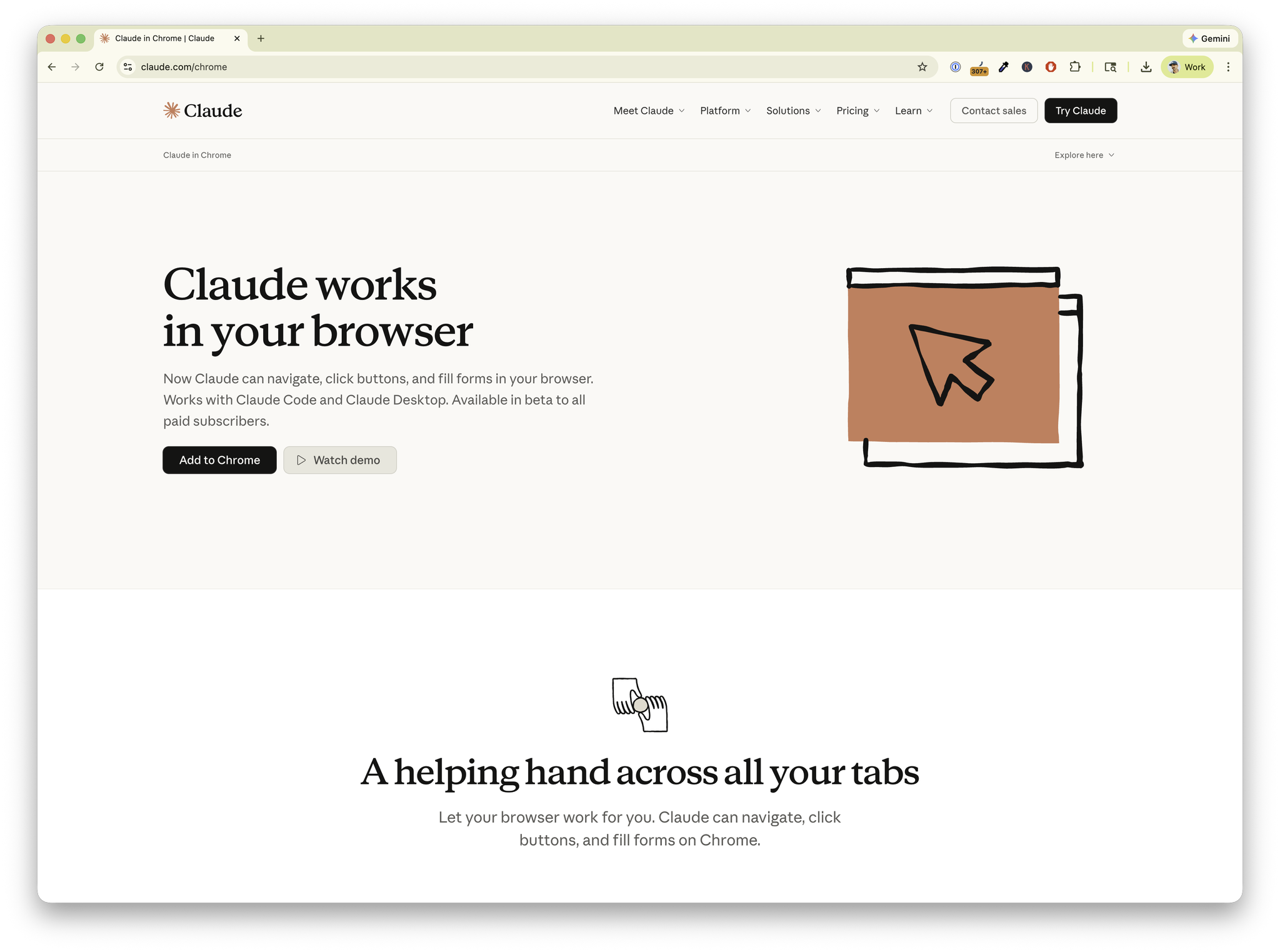
Claude now lives inside Chrome, recording and replaying anything you do on a web page (if you want it to).
Key Facts
- 🧪 Code sandbox – A built-in editor lets developers test scripts without switching tabs.
- ✨ Easy access – Every paid Claude plan includes the extension.
- 🔁 Repeatable workflows – Record a task once and run it whenever you like.
⚙️ What This Tool Actually Does
Claude for Chrome is an extension that adds Claude as a sidebar companion in your browser.
The big difference from other AI tools is that this one can see what's on your screen and take action.
Yeah, you heard that right.
It can “watch” your screen and copy what you do.
With your permission (this is important!), it can click buttons, type in fields, and complete multi-step processes while you focus on the work that needs your brain.
We already have seen Agentic Browsing so this isn't brand new. OpenAI gave us Atlas, and I love using Perplexity's Comet browser as one.
But the real win here is plugging into nearly 4billion existing users of Google Chrome. And you're likely one of them.
🪄 Teaching It Once
Here's where this gets interesting for small business owners.
You know those tasks you do every week? The ones where you open the same five tabs, copy information from each one, and compile it into something like the example above?
Maybe it's a budget, report, or worksheet…
Or something more personal like goal tracking.
Whatever it is, you can show Claude how to do that once, and it remembers.
Same goes for:
- Filling out vendor forms with your business information
- Gathering competitor pricing from multiple websites
- Cleaning up documents before sending them to clients
- Sorting through your inbox and flagging important messages
- Finding available time slots across different calendars
You create the process once. Claude follows it every time after that.
No variations. No forgetting steps. Just consistent execution.
😅 How Safe Is This Thing?
I know what you're thinking. “Am I really going to let an AI click around in my browser and just like… ‘take over’ my computer?"
Fair question.
Luckily, Anthropic built this with safety rails that make sense.
You have two permission modes:
- Ask before acting: Claude shows you what it wants to do before doing it
- Act without asking: For trusted sites where you're comfortable letting it work
Start with "ask before acting" until you trust it.
Most people begin with low-risk stuff like formatting documents or organizing public information.
Once you see it working reliably, you can give it more freedom on sites you trust.
The current version runs on Claude Sonnet 4.5, which scores highest on public benchmarks for completing browser tasks correctly.
Translation: it's good at staying focused and finishing what you ask it to do.
🥞 How It Stacks Up Compared to Other Tools
Other AI browser extensions mostly read and summarize. They're helpful for understanding content, but they can't take action. Claude actually does the work.
Google's Gemini in Chrome answers questions about pages and helps draft content.
Solid features, but it doesn't have the same autonomous control. You're still the one clicking buttons.
Some new AI-focused browsers are exploring similar ideas, but switching browsers means losing your bookmarks, passwords, and extensions.
Claude does what the others can't.
🖼️ The Bigger Picture
This is part of three major shifts happening right now:
→ Agents are becoming real. We've moved from "AI that talks about doing things" to "AI that actually does things." Computer use is the bridge from chatbots to digital workers.
→ Development is moving to the browser. First we got cloud IDEs. Now we're getting AI that can handle the deployment and testing dance. Your browser becomes your complete workspace.
→ Automation without APIs. If a human can click it, AI can probably automate it. This opens up automation for all those internal tools and legacy systems that never had proper APIs.
📍 Some Practical Starting Points
For client research: "Open these eight competitor websites, pull their pricing and features into a spreadsheet, and format it using our standard template."
For email management: "In Gmail, archive anything older than two weeks, star messages from our VIP list, and create a summary of urgent items."
For meeting prep: "Check these three calendars, find three possible meeting times next week, and draft invite text with our standard agenda format."
For document cleanup: "Fix the grammar in this Google Doc, make all headings consistent, add a summary at the top, and save a PDF version."
Or give it a real challenge: “Loop through all the items on this page not yet marked as finished, click them, learn about them, search my email then the web for more information, then go back and update the item and mark it as done.”
GO WILD.
🤔 The Questions Worth Asking Yourself
Before you jump in, think about these:
- What tasks take up your time but don't really need your expertise? Those are perfect candidates.
- If you got back ninety minutes each day, what would you do with that time? More customer calls? Strategic planning? Actually leaving work on time?
- Which of your team's processes would benefit most from being consistent instead of "however Sarah does it this week"?
- What would make you comfortable letting an AI assistant work in your browser? Clear boundaries? Starting small? Seeing it work perfectly ten times in a row?
💬 Here's My Take
I've been in tech for 25 years. I've seen a lot of "revolutionary" tools that weren't.
This one is different because it solves a real problem we all have: too much clicking, copying, and context-switching.
Too much time-wasting.
✌️ Your Turn
If you decide to try Claude for Chrome, start small.
Pick one task that annoys you every day.
Teach Claude to handle it.
See how it feels to have that off your plate.
Your browser just became a much better place to work.
The question is: what will you do with all that time you're about to get back?
P.S. We've still got 20+ free lifetime accounts left for QuickSign P.P.S. I've opened two VIP day spots for February
Enjoy this edition?
Get CTRL+ALT+BUILDTM delivered to your inbox every week.